Class WordPress 101 Editing
Introducing WordPress:
Create a free account and website
Scroll down to learn how this is done.
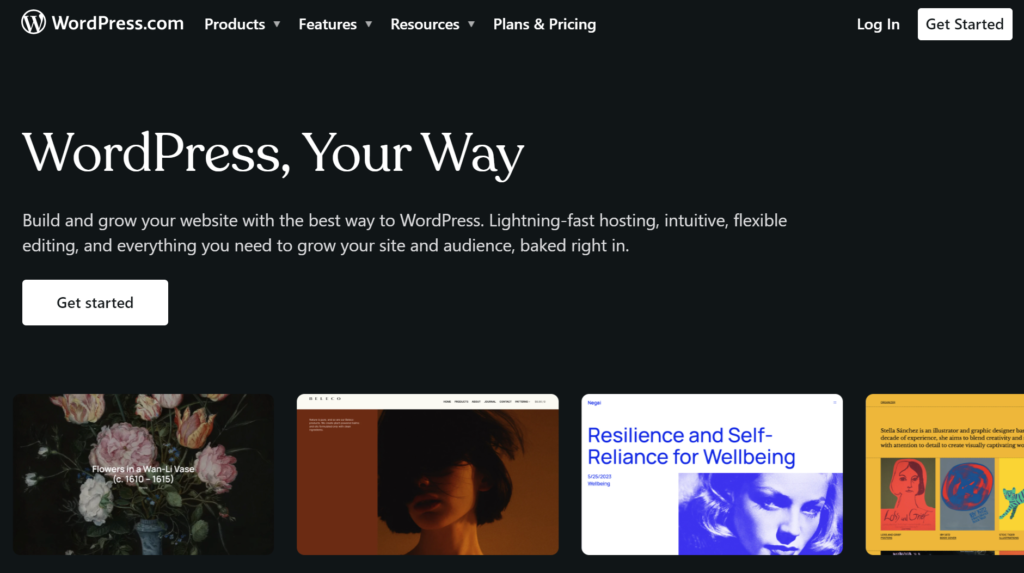
Go to WordPress.com
Click the "Get started" button
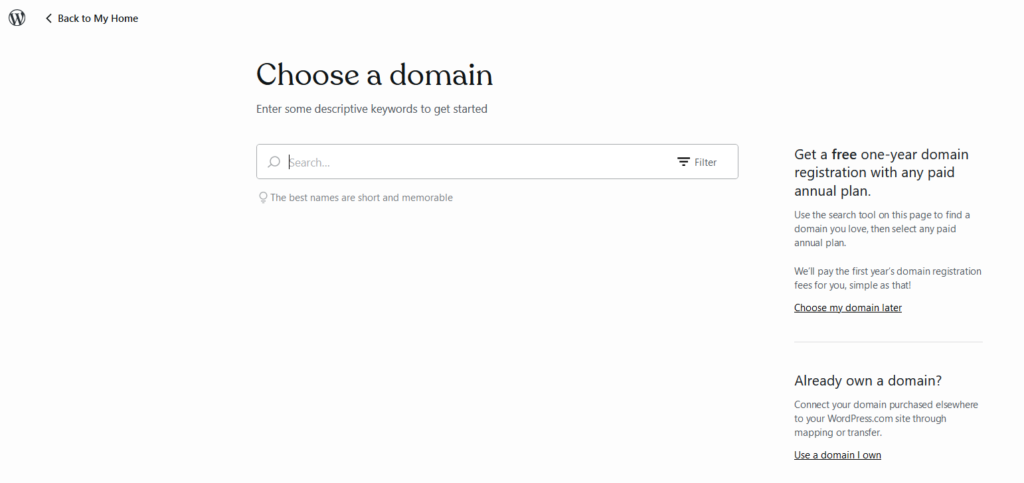
Choose from the suggestions that appear to select the best address for your needs.
Notice that one of the suggestions will be free however the select button is not highlighted but you can still select it
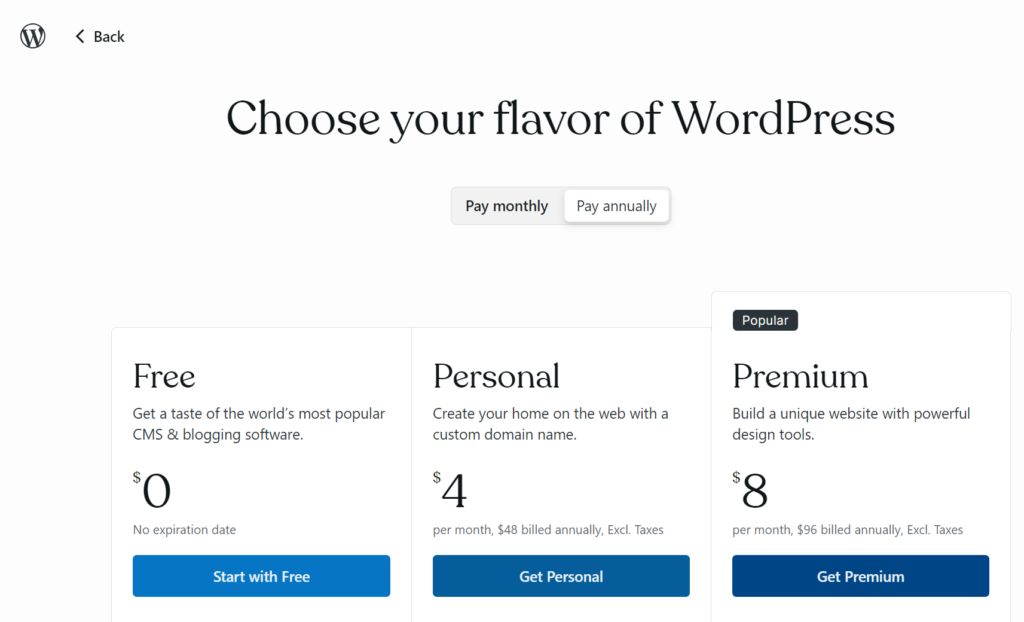
Choose your flavor of WordPress
We are going to choose the Free plan.
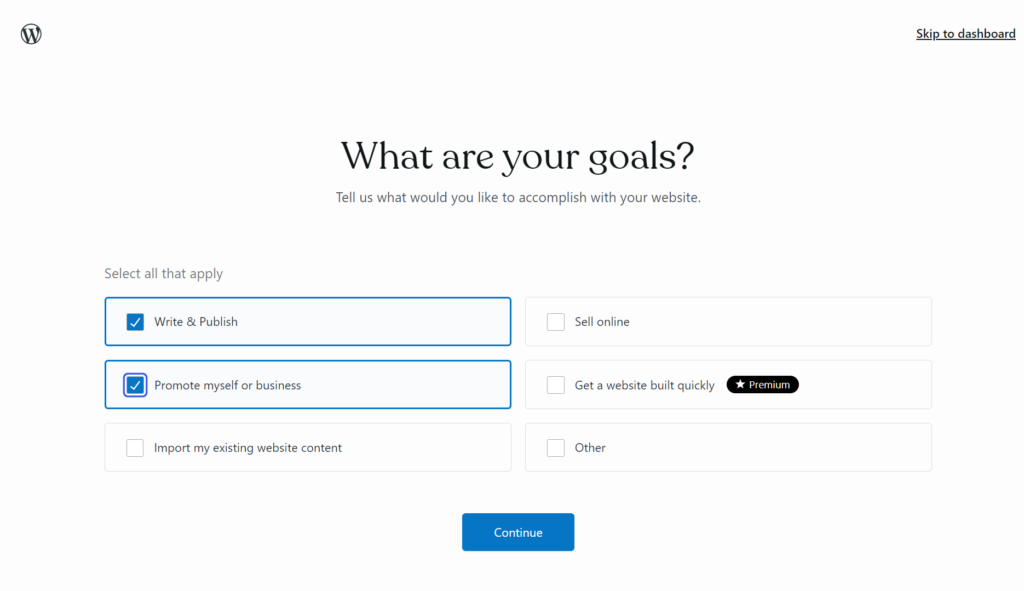
Choose your goals
We are going to choose Write & Publish and Promote myself or business
And click continue
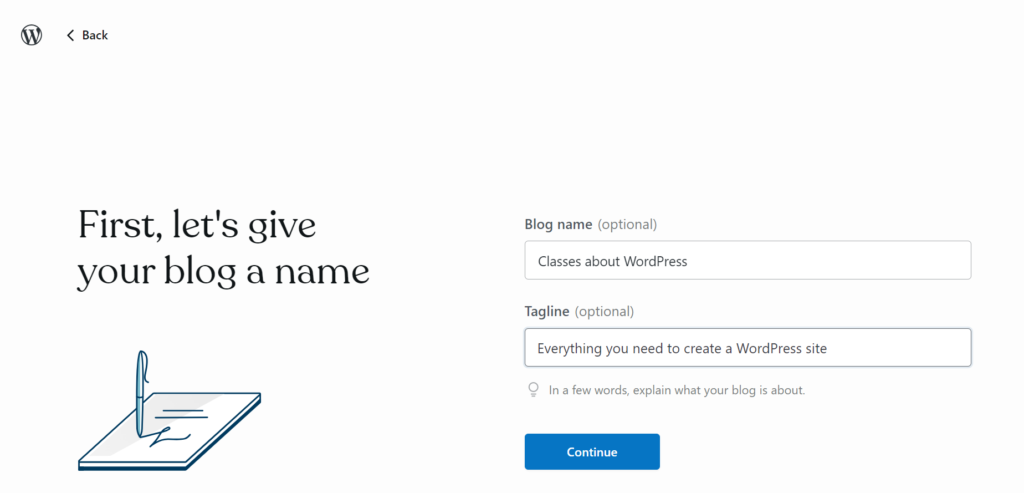
Type in a name for your site
Type a name and a tagline
And click continue
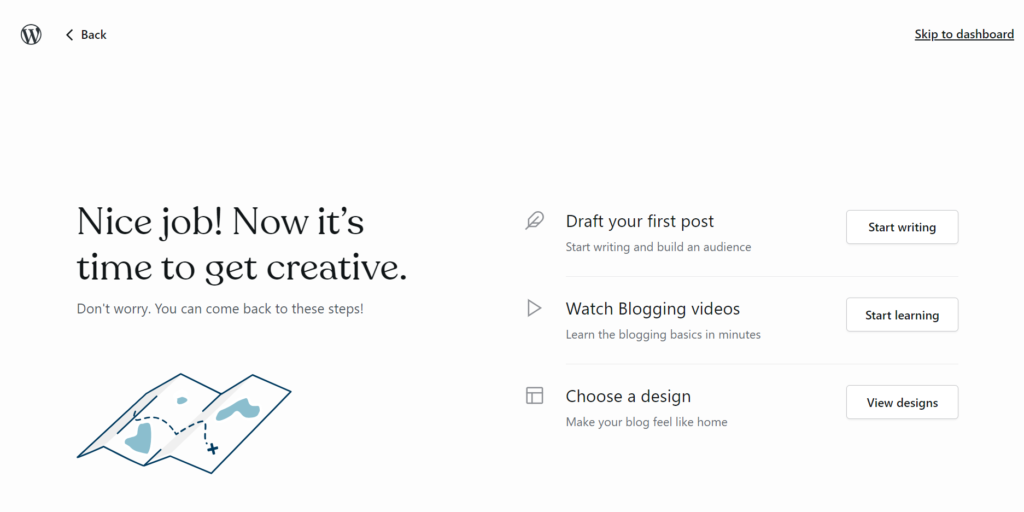
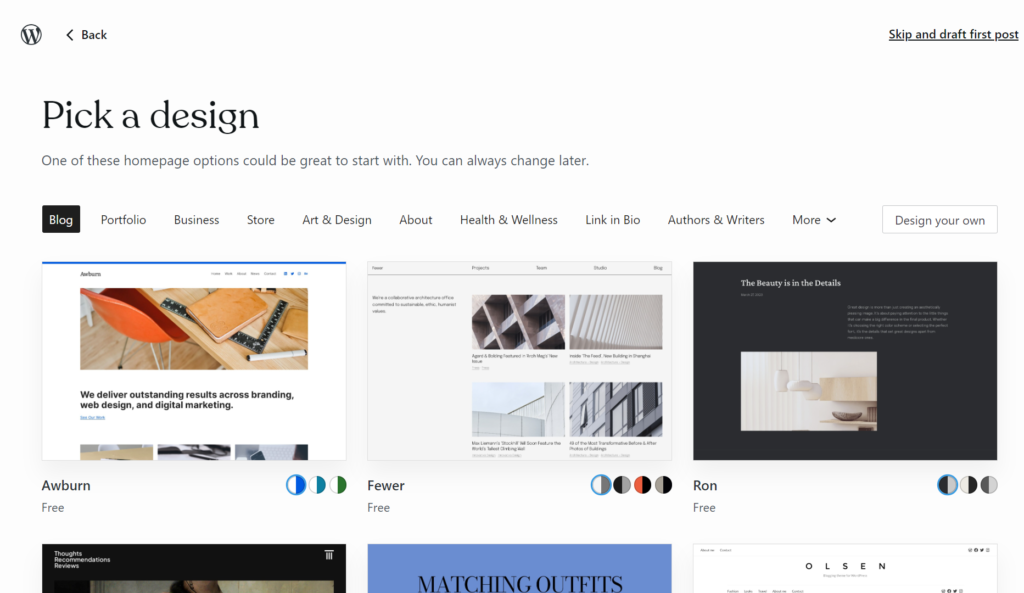
Lets choose a design
Click the View Designs button to the right of Choose a designÂ
For this example I chose the Awburn design
Click on the Awburn design to select it
Notice the right side
This displays a preview of the site.
Above the sample are icons to select desktop, tablet, or phone views of the site. You can scroll down to see the entire page.
Once you have decided click continue.
You can look at the sample I made here View Sample