Adventures 4 Learning
Start your next adventure!
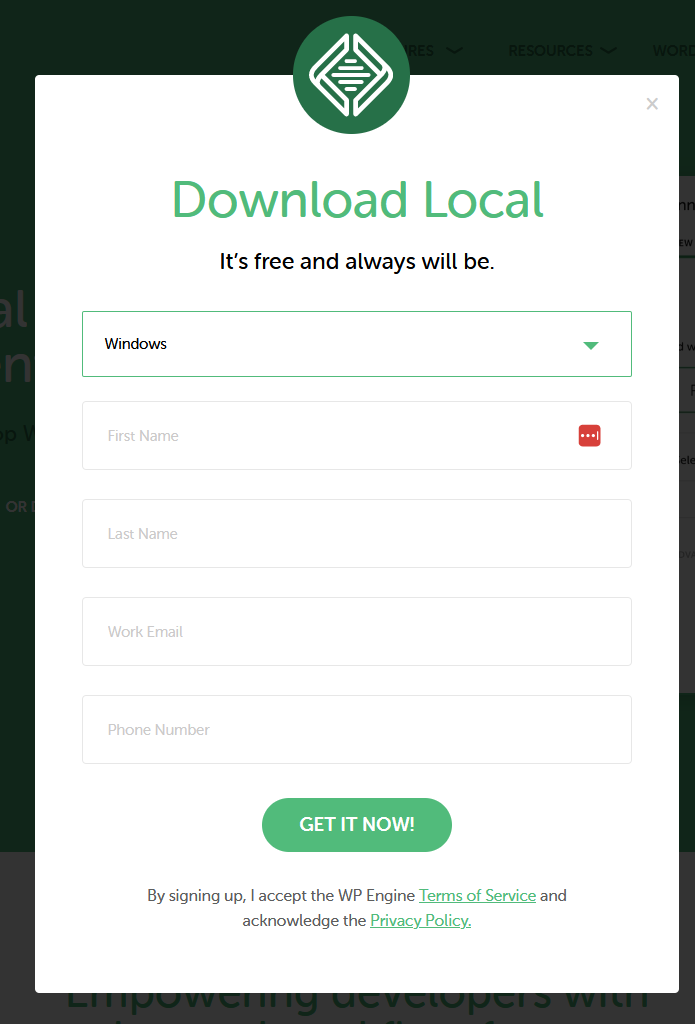
Type in your first and last name
They will send you updates about local.
They have never called me but if you like you can enter the local information for your area code eg: 1-203-555-1212 (for CT)
Click the green "Get it Now!" button
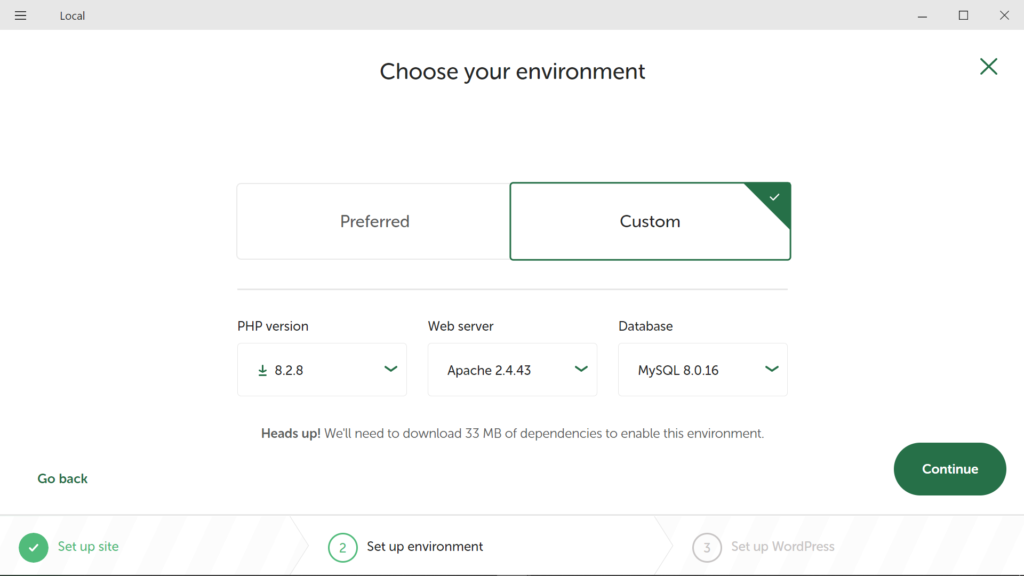
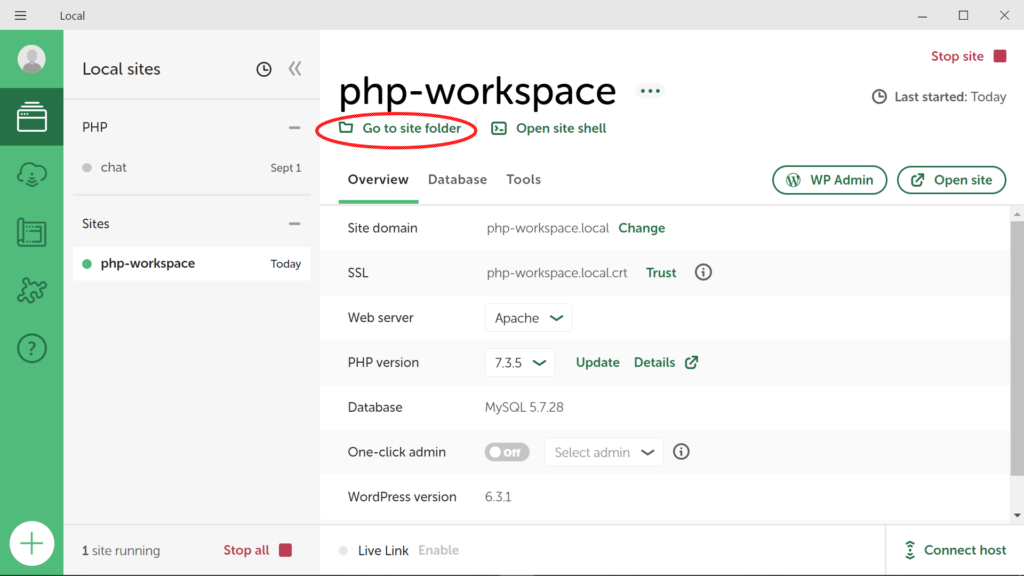
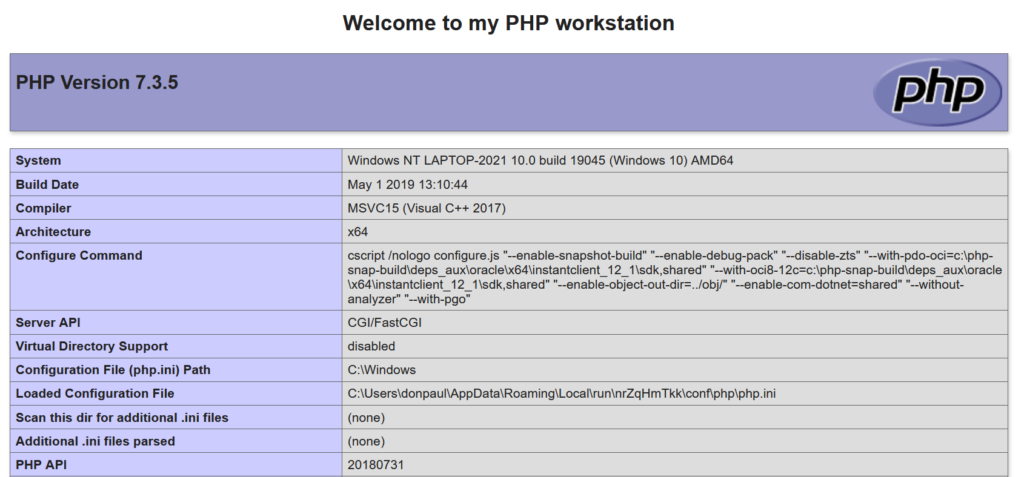
The PHP version can be changed at any time (currently between 5.6 and 8.2)
The Web server can be changed at any time (currently nginx or apache)
The database version cannot be changed but you can create multiple workspaces to allow you to work with different versions available (currently mariadb, mysql 5 and mysql 8)
Click the green "Continue!" button